


Getting started
- Tap Add Entry to note a deed, something that happened, your mood, gratitude, a prayer, a wish or a goal.
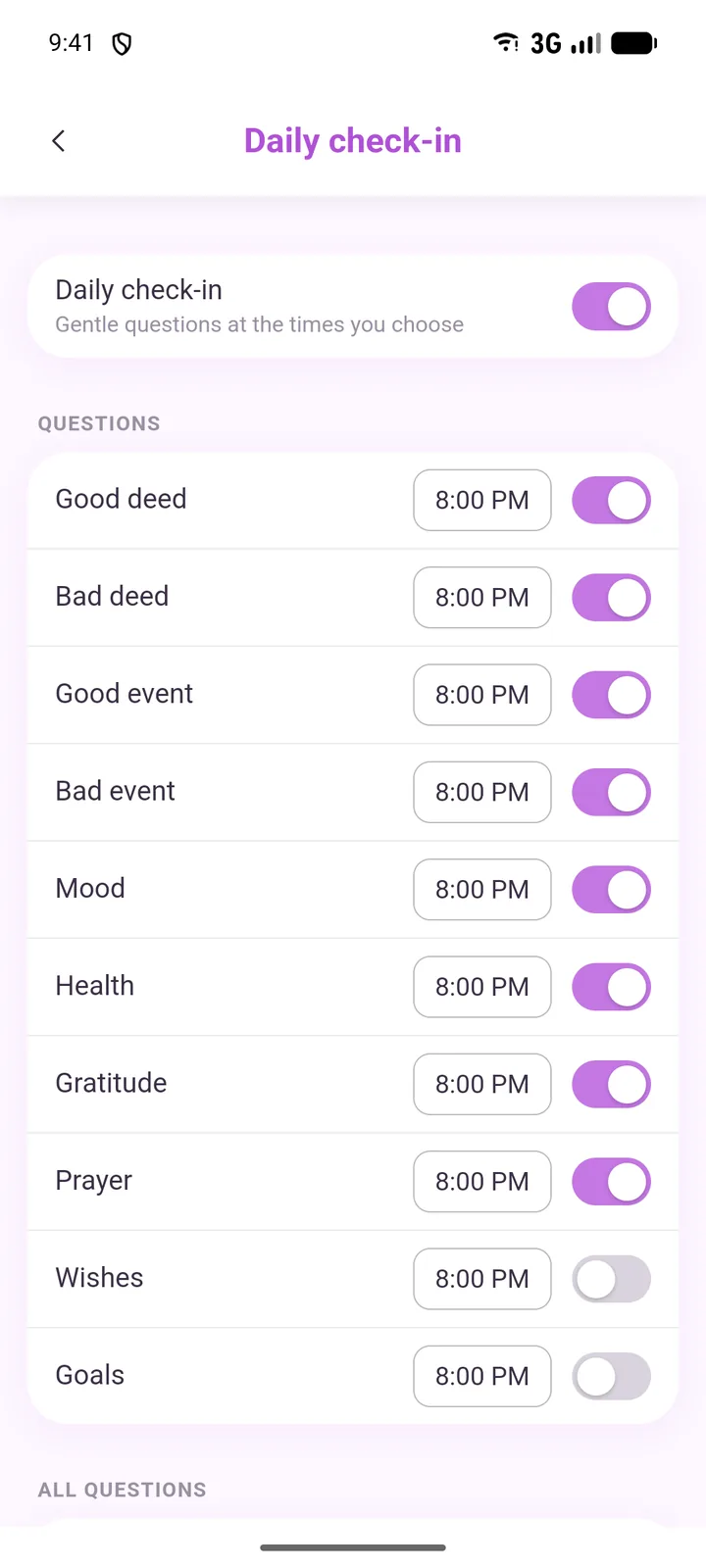
- Answer the daily check-in when it appears, or skip it.
- See everything on the Overview, in the Tracker and in your Journal.
Reminders
- Set check-in and affirmation reminders in Settings › Reminders, at the times you choose.
- Not getting reminders? Make sure notifications for Karma Trace are allowed in your phone's settings.
- On Android 14 and newer, allow on-time reminders (Settings › On-time reminders) so they arrive at the exact time.
Backup and moving to a new phone
- With Karma Plus: your journal is backed up automatically. On a new phone, install Karma Trace, sign in with the same Apple or Google account, and everything comes back.
- Without Karma Plus: use export in Settings to save a copy of your journal, and import it on the new phone.
Karma Plus
- Karma Plus is optional: cloud backup and the same journal on all your phones, $3.99 a month or $24.99 a year.
- Restore it on a new phone by signing in with the same account, or tap Restore on the Karma Plus screen.
- Cancel in Google Play (Payments & subscriptions › Subscriptions) or in your Apple ID settings (Subscriptions). Deleting the app doesn't cancel it.
Your data
- Clear your journal on this phone: Settings › Clear all data.
- Delete your Karma Plus account and backup: Settings › Account › Delete account. See Delete my data.
- How we handle your data: Privacy Policy. Terms: Terms of Use.
Contact us
Email [email protected]. Tell us your phone model and what happened, and we'll get back to you.